Email → Snail Mail (USPS)
Need a paper copy of an email for a person or agency? Here's how to format it for USPS, when to use Certified + Electronic Return Receipt, and common pitfalls to avoid. Our snail mail online service makes this process seamless.
Updated
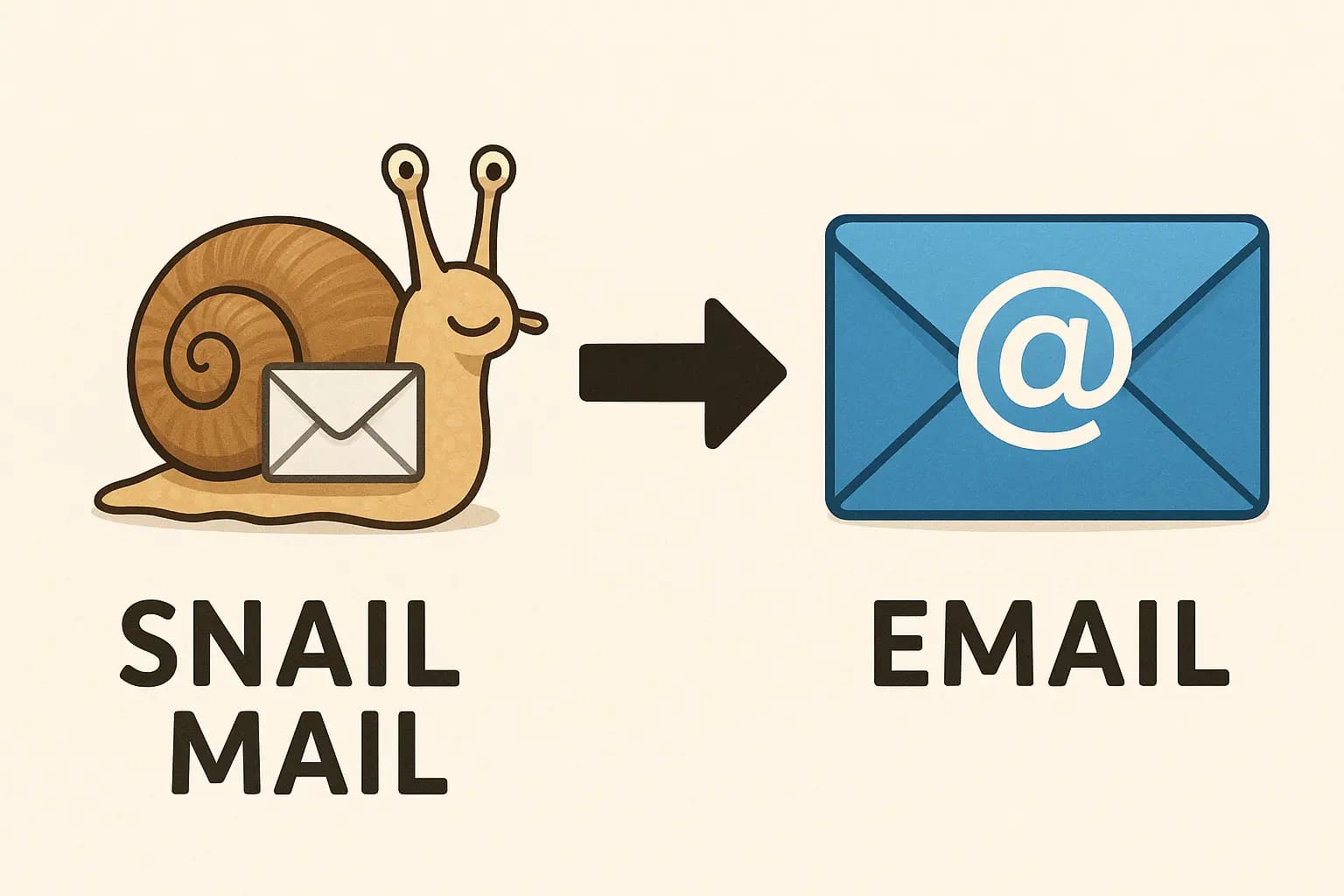
Why turn an email into real mail?
Paper is required or preferred
Courts, agencies, landlords, and vendors may require mailed notices or physical copies for records.
Tracking & proof
Certified Mail adds proof of mailing and delivery; Electronic Return Receipt provides a PDF with signature. Try our return receipt service.
Reliable presentation
A letter layout improves readability and professionalism compared with raw email printouts.
Records & retention
Keep digital copies (PDFs) of what you mailed along with any USPS tracking evidence.
How to mail an email
- Prepare the content: paste the email body or export to PDF. Remove system headers and footers unless needed.
- Format as a letter: add your name/address, date, recipient address, subject line, greeting, and signature.
- Pick a USPS service: First-Class for routine letters; add Certified for tracking/proof; add ERR if a signature PDF is required.
- Print & envelope: use standard letter paper, ensure clear margins and page breaks; include attachments as needed.
- Mail & retain proof: keep receipts/tracking pages and scanned PDFs for your records.
Note: Certified rides First-Class speeds; it does not speed delivery.
Formatting & attachments
- Layout: use a clean letter format; an optional header with From/To/Subject and timestamp can add context.
- Threads: include only relevant parts; avoid repeating full chains unless necessary.
- Attachments: include PDFs/images that support the letter; reference them in the body.
- Addressing: verify USPS address lines and ZIP+4; for international, put the country in ALL CAPS on the last line.
Cost factors (overview)
- USPS postage: depends on weight, shape, and service (First-Class vs Certified add-ons).
- Return receipts: Electronic Return Receipt (ERR) or the physical green card are additional USPS fees.
- Pages & color: more pages and color printing increase cost; duplex can reduce page count.
- Handling/packaging: varies by how you prepare and send (home printer vs local print shop, etc.).
For background on Certified components, see our neutral explainer: Certified Mail basics & options.
Watch a 60-second walkthrough of email → letter formatting.
Frequently Asked Questions
Can I mail a whole email thread?
Yes—include the relevant parts or export to a PDF. Trim signatures/footers and redundant quoted text to keep it readable.
Will it look like an email or a letter?
Aim for a letter layout. A small header (From, To, Subject, Date) can provide context without cluttering the page.
Can I add Certified + ERR?
Yes. Certified provides proof of mailing and delivery. Electronic Return Receipt adds a signature PDF. Verify requirements with the recipient or your counsel if it’s for compliance.
Explore: how to send a letter online ·how to mail a PDF ·Certified Mail explained