How to Mail a Letter Online (Step-by-Step)
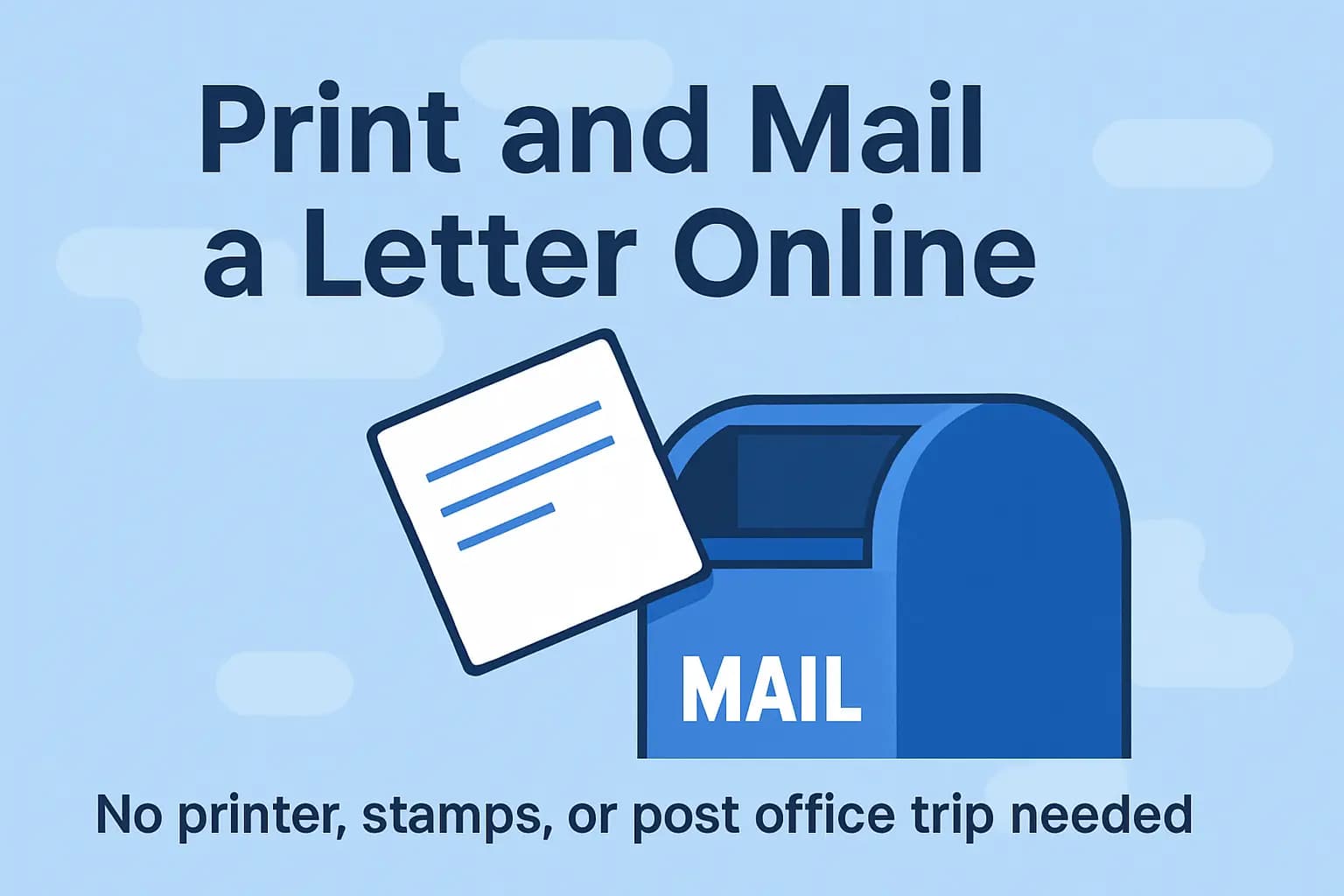
You can send a physical letter through the internet in a few minutes. This guide explains your options, the files that work best, and exactly how to get a letter from your device into a USPS mail stream.
USPS Delivery Time Estimator
Choose your sending and destination states to estimate how long First-Class and Priority Mail usually take to arrive.
Open the estimatorYour Options (Quick Overview)
- Print‑and‑mail services: Upload a file; they print, envelope, and mail it for you. Easiest if you don't have a printer.
- USPS Click-N-Ship®: Buy postage/labels online; you still print/prepare and drop off or schedule pickup.
- Virtual mailbox providers: Services like Earth Class Mail that can send letters for you from stored files or scans.
Step‑by‑Step: Mailing a Letter Online
- Pick a method – Decide whether you want a service to handle printing/mailing or to print a label yourself.
- Prepare your document – PDF is preferred for exact layout. Keep pages letter‑size (8.5×11) when possible.
- Add addresses – Enter recipient (and return) addresses exactly as they should appear on the envelope.
- Choose mail class – First‑Class for everyday letters; Certified Mail if you need tracking/proof; International for overseas.
- Review & submit – Confirm page count, preview the envelope, pay, and save any confirmation/tracking details.
Tips for Smooth Delivery
- Use a clear, high‑contrast document (black text on white) for best print quality and address recognition.
- One‑sided pages are simplest; avoid tiny margins and watermarks near the address area.
- If sending time‑sensitive documents, consider Certified Mail for tracking and proof of delivery.
Prefer not to print at home? You can use an online print‑and‑mail service. See our service page: Print & Mail Letters.
More Helpful Mailing Guides
FAQ
Can I mail a letter online without a printer?
Yes. Many services will print, envelope, stamp, and mail your letter after you upload a file.
What file types work best?
PDF is ideal because it preserves layout. DOC/DOCX and clear images (JPG/PNG) are commonly accepted too.
Do I need stamps?
If a provider mails it for you, postage is included in checkout. If you print a label yourself, you still need to drop the letter or schedule pickup.
Can I send a letter internationally online?
Yes. Most print-and-mail services offer international shipping. You'll typically select the destination country and choose from First-Class Mail International, Priority Mail International, or express options.
Is mailing a letter online safe and secure?
Reputable services use encrypted file uploads and secure payment processing. Check the provider's privacy policy for their specific data handling and retention practices.
Related topics: